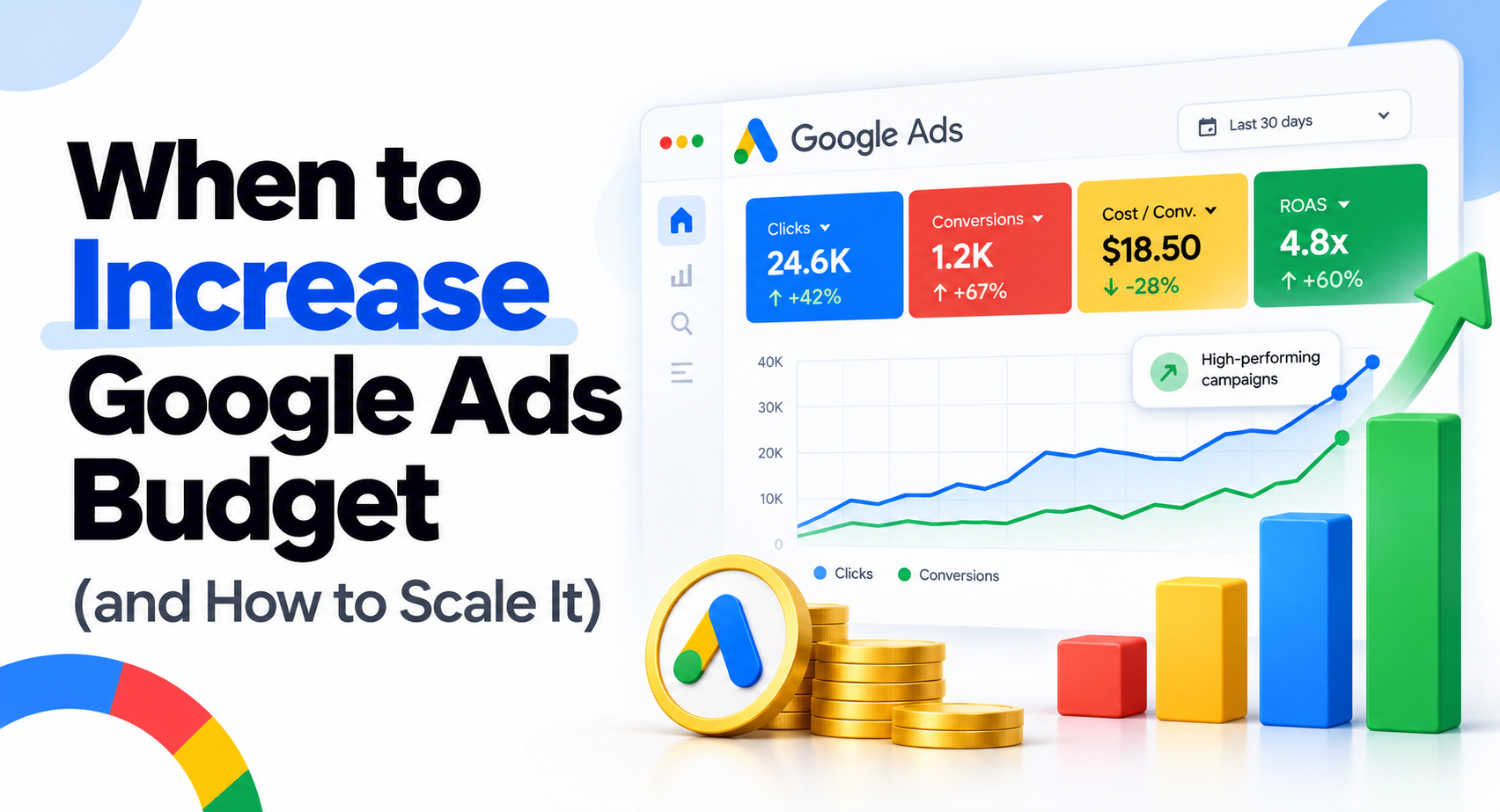
A Google Ads campaign can be profitable, show Limited by budget, and still be a poor candidate for more spend. Increase the budget only when conversion measurement is trustworthy, current economics are acceptable, additional qualified demand exists, budget is genuinely restricting the campaign, and the business can absorb more sales or leads.
The decision is not "How much can Google spend?" It is "Is the next unit of spend worth buying?" Historical CPA or ROAS tells you what the current spend produced. It does not guarantee that the next ₹10,000, $1,000 or any other increment will perform at the same rate.
This guide is for campaigns that are already running. It focuses on deciding when to scale, how much to add, whether budget or the bid target is the real constraint, how the August 2026 Google Ads bidding update affects older scaling advice, and how to judge the result after conversions have had time to mature.
Increase Budget Only When the Next Spend Is Worth Buying
Increase your Google Ads budget when measurement is reliable, current results satisfy your business economics, more qualified demand is available, budget is the active constraint, and your business can handle the additional volume. A good-looking campaign metric by itself is not enough.
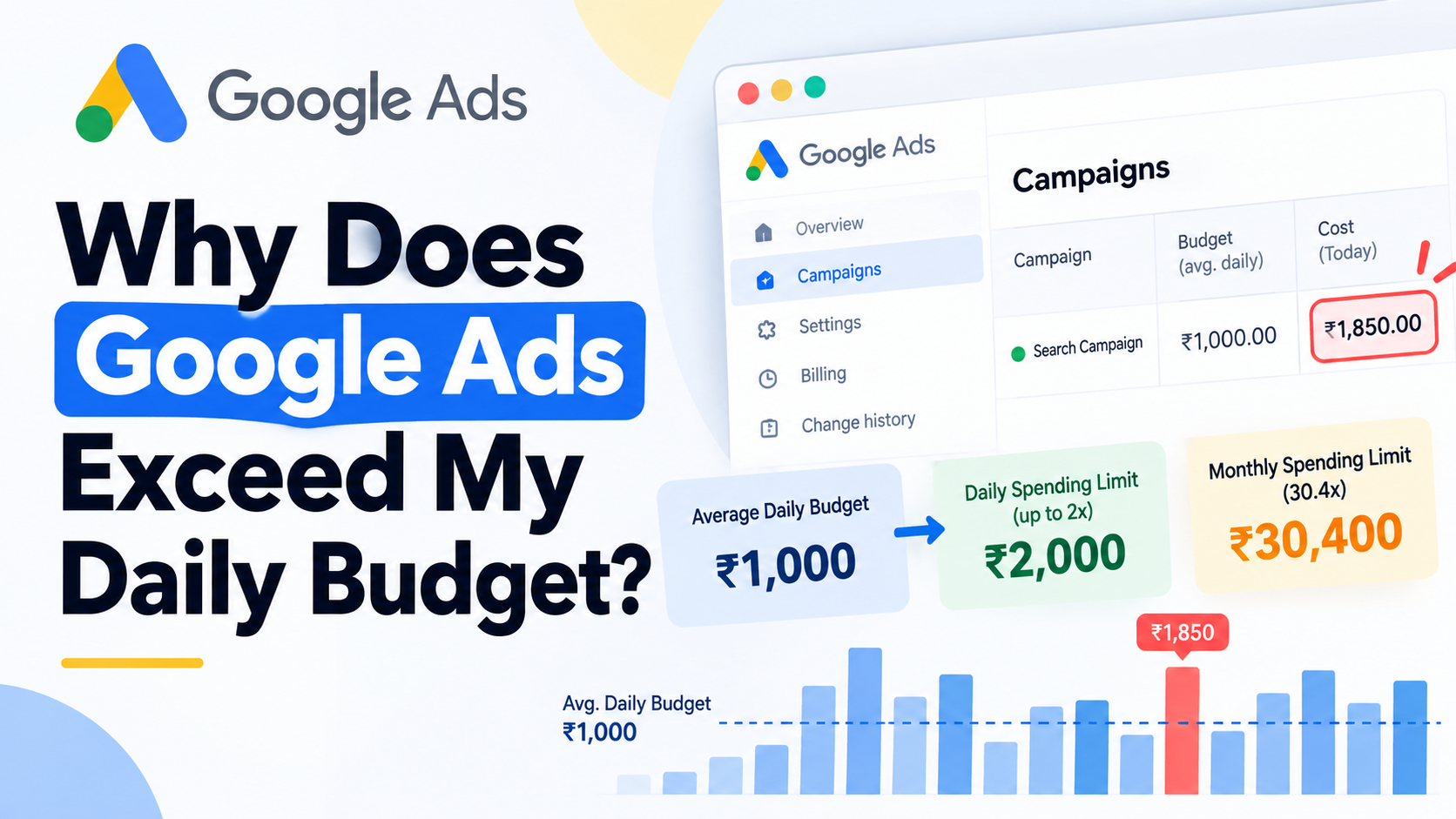
There is also an important mechanical distinction. Increasing the average daily budget expands the campaign's spending capacity. Google can spend differently from that average on individual days because the average daily budget is used for pacing rather than as a fixed daily charge. If you need the spending-limit mechanics before changing the number, read why Google Ads can exceed your daily budget. This article stays focused on whether increasing the budget is commercially justified.
The Five Conditions I Would Check Before Scaling
- Conversion measurement is trustworthy. The campaign is optimizing toward sales, qualified leads or another outcome that represents real business value.
- The economics still work. CPA, customer acquisition cost, ROAS or contribution after advertising remains inside a range the business can sustain.
- Additional demand exists. The campaign has qualified auctions or customer demand it is not currently capturing.
- Budget is actually the constraint. More budget can unlock additional useful participation rather than simply sitting unspent.
- The business has capacity. Inventory, cash flow, sales staff, fulfilment, service capacity and lead response can support the extra volume.
A campaign that passes only four of these checks may still not be ready. For example, an ecommerce campaign can have good ROAS and strong demand but insufficient stock. A lead-generation campaign can produce inexpensive leads while the sales team already has more enquiries than it can contact properly.
Scaling should therefore start with a business constraint check, not a percentage change inside Google Ads.
Check Measurement and Business Economics Before You Buy More Traffic
Before increasing spend, validate the outcomes behind the Google Ads columns. For lead generation, check qualified lead rate, close rate, cost per qualified lead and cost per sale. For ecommerce, connect reported conversion value and ROAS with margin, returns, fulfilment costs, inventory and cash-flow requirements.
Google Ads can optimize only against the conversion actions and values it receives. If those inputs reward weak leads, duplicate conversions or revenue that does not represent the actual economics of the order, more budget can scale the measurement problem.
| Platform Metric | Business Validation | Why It Matters Before Scaling |
|---|---|---|
| Conversions | Were these genuine sales or qualified actions? | Higher conversion volume is useful only if the counted outcome has business value. |
| Cost per lead | Qualified lead rate and cost per qualified lead | Cheap form submissions can become expensive if qualification falls. |
| CPA | Cost per completed sale or customer | The platform CPA may stop before the actual sales outcome. |
| ROAS | Margin, returns, fulfilment cost and contribution after ads | Revenue divided by ad spend is not the same as profit. |
| Conversion value | Whether submitted values represent real commercial differences | Scaling value-based bidding requires useful value inputs. |
A Low CPL Can Still Be Expensive Growth
Suppose a lead campaign currently spends ₹100,000 and generates 100 leads at a ₹1,000 CPL. If 30 of those leads are qualified and 10 become customers, the useful business picture is very different from the raw lead count.
Now imagine more budget lowers the reported CPL to ₹900 but the additional traffic produces weaker enquiries. If the qualified lead rate falls and the sales close rate deteriorates, the account can show cheaper leads while customer acquisition becomes more expensive.
Do not scale raw lead volume without checking what happens after the form submission. The budget decision should follow qualified outcomes.
For Ecommerce, ROAS Is Not the Same as Profit
A 5x ROAS means that Google Ads reports five units of conversion value for every unit of advertising cost. It does not tell you the product margin, return rate, payment cost, fulfilment cost, shipping subsidy, inventory risk or overhead associated with those orders.
This becomes more important as spend increases because additional traffic may move into products, queries, audiences or auctions with different economics.
If product-level margin and inventory materially affect where additional spend should go, the deeper allocation framework belongs in your ecommerce Google Ads strategy. The decision here is narrower: confirm that the next advertising increment can still meet the business threshold that matters.
Limited by Budget Means More Spend Is Possible, Not That More Spend Is Profitable
Do not increase budget automatically because Google Ads shows Limited by budget. The status indicates that budget is restricting potential traffic or performance. It does not know whether the additional customers would be profitable, whether lead quality would remain acceptable or whether your business can handle the extra volume.
Google may also show a recommended average daily budget based on recent campaign performance, the current budget, keywords and targeting settings. That is useful evidence that additional platform opportunity may exist. It is not independent proof that your business should purchase all of that opportunity.
| Campaign State | What It Tells You | Likely Next Action |
|---|---|---|
| Limited by budget and profitable | More platform opportunity may be available and current economics are acceptable | Evaluate marginal economics and business capacity before increasing spend |
| Limited by budget and unprofitable | Budget is constraining traffic, but current traffic is already economically weak | Fix economics, targeting, measurement or offer before buying more volume |
| Not limited and profitable | Budget may not be the main restriction | Check demand, bidding targets, rank and other constraints |
| Not limited and unprofitable | More budget is unlikely to solve the core problem | Diagnose the account rather than increasing spend |
Budget-Limited and Rank-Limited Campaigns Need Different Fixes
For Search campaigns, Search Lost IS (budget) and Search Lost IS (rank) answer different questions. Budget-related loss points toward insufficient spend capacity for eligible opportunities. Rank-related loss reflects a different constraint and is not solved simply by increasing the daily budget.
If a campaign has significant unused budget, raising that budget again is unlikely to create demand by itself. Check whether search volume, targeting, bids, bid targets, eligibility or Ad Rank is limiting participation.
The campaign has to have somewhere useful to spend the additional money.
Treat Google's Recommended Budget as a Forecast Input, Not a Profit Recommendation
Google's recommended budget is useful because it estimates how additional budget could affect traffic based on campaign information available to the platform. Use it as one input when assessing headroom.
Google does not have complete visibility into your contribution margin, warehouse capacity, call-centre workload, refund rate, sales close rate or cash-flow constraints. A recommended budget therefore answers a platform opportunity question, not the final investment question.
Compare the recommendation with your own economic limits before applying it.
Budget and Target CPA or Target ROAS Control Different Things
Budget controls spend capacity. Target CPA and Target ROAS control the efficiency objective used by Smart Bidding. Change the budget when spend capacity is restricting a campaign whose target still makes sense. Review the target when the efficiency instruction itself is restricting participation or no longer represents the business goal.
| Change | What It Controls | Use When | Tradeoff |
|---|---|---|---|
| Increase budget | Available spend capacity | More useful demand exists and current efficiency objective is appropriate | Additional auctions may produce weaker marginal efficiency |
| Raise Target CPA | Cost-efficiency objective | The current CPA target is too restrictive and the business can accept a higher acquisition cost | More volume may come at a higher CPA |
| Lower Target ROAS | Value-efficiency objective | The current ROAS target is too restrictive and lower incremental return is still economically acceptable | More conversion value may come at a lower ROAS |
When Budget Is the Constraint
Budget is the cleaner lever when the campaign is spending its available budget, qualified demand remains available, performance meets the required business economics, and the CPA or ROAS target still reflects what the business wants.
In that situation, changing the efficiency target at the same time can make the scaling decision harder to interpret because you have changed both available spend and the bidding instruction.
When the CPA or ROAS Target Is the Constraint
A restrictive Target CPA or Target ROAS can limit how aggressively Smart Bidding participates even when more budget is available. If the campaign consistently leaves budget unspent, simply adding more capacity may accomplish very little.
The question then becomes whether the business can rationally accept a different efficiency level in exchange for more volume. Do not relax the target automatically. Make the change only if the new target still fits the economics.
The full definitions and relationships between these strategies belong in the separate guide to Google Ads bidding strategies.
The 20% Budget Rule Is a Risk-Control Heuristic, Not a Google Requirement
No current Google documentation establishes a universal rule that Google Ads budgets must never be increased by more than 10%, 15% or 20%. Those percentages are commonly used as practitioner risk-control heuristics, not as a technical platform ceiling.
This distinction matters because "increase by no more than 20%" is often repeated as though crossing that number automatically resets Smart Bidding or damages a campaign. Current Google documentation does not support that universal claim.
Small Steps Are Useful for Measurement, Not Because Google Has a 20% Ceiling
Smaller increments can still be sensible when you want to observe how marginal performance changes without committing a large amount of budget immediately.
For example, if your economics are close to the minimum acceptable threshold and you have weak evidence about the remaining demand curve, a smaller test limits financial exposure and makes deterioration easier to spot.
A business with strong forecast evidence, high demand, deep inventory and a wide profitability buffer may make a larger planned increase. Another business with thin margins, long sales cycles or uncertain lead quality may prefer smaller steps.
Choose the change size from evidence confidence and risk tolerance, not from an invented Google percentage rule.
A Budget Increase Does Not Simply Reset Smart Bidding From Zero
Do not treat every budget edit as a complete Smart Bidding reset. Google describes Smart Bidding as continuously learning from new data, and its systems retain historical information rather than discarding everything whenever a budget changes.
Performance can still move after a budget increase. More spend can expose the campaign to additional auctions, a different traffic mix and a different marginal return curve. That is a reason to measure the change, not evidence that the algorithm started again from zero.
What Changed in August 2026 for Budget-Limited Target CPA and Target ROAS
Google began rolling out an important target-based bidding update on August 17, 2026, and completed the global rollout on August 27, 2026. The update affects supported campaigns that are Limited by budget and use target-based bidding such as Target CPA or Target ROAS.
Google states that these campaigns are now designed to perform more consistently toward the stated bid target, including when budgets are adjusted. Google did not automatically change advertisers' budgets or bidding targets as part of the update.
This does not mean every budget increase will produce stable CPA, stable ROAS or zero short-term variation. It does mean older advice that assumes meaningful budget changes inherently destroy target-based Smart Bidding performance needs qualification in 2026.
The practical approach is to keep the efficiency target aligned with the business, make a deliberate budget decision and evaluate what the additional auctions produce.
Choose the Size of the Increase From Marginal Economics, Not Historical Average Performance
There is no universal percentage for how much you should increase a Google Ads budget. Choose the next increment from available demand, business risk tolerance, forecasted opportunity, conversion delay and the marginal CPA or marginal ROAS the business can still accept.
Historical averages combine old and new spend. Scaling is an incremental investment decision, so the more useful question is what the additional spend produced.
| Metric | What It Measures | Use in Scaling |
|---|---|---|
| Blended CPA or ROAS | Performance across the full period or total spend | Shows the combined result of existing and added spend |
| Marginal CPA or ROAS | Performance associated with the additional spend and outcomes | Helps decide whether buying the next increment still makes economic sense |
Blended ROAS Tells You What Happened; Marginal ROAS Helps Decide What to Buy Next
Consider a hypothetical ecommerce campaign spending ₹100,000 and producing ₹500,000 in conversion value. Its blended ROAS is 5x.
You raise the spend to ₹130,000. Total conversion value increases to ₹590,000. The new blended ROAS is approximately 4.54x, which looks worse than the original 5x.
Now isolate the incremental result:
- Additional spend: ₹30,000
- Additional conversion value: ₹90,000
- Marginal ROAS: 3x
The correct decision depends on the business threshold. If a 3x marginal ROAS still produces acceptable contribution after product costs and other variable expenses, the added spend may be economically useful even though blended ROAS fell.
If the business requires more than 3x on incremental spend to make the order profitable, the same result would signal that the campaign has moved beyond the acceptable scale point.
There is no universal profitable ROAS because product economics differ between businesses and even between products inside the same store.
Use Smaller Steps When the Marginal Curve Is Uncertain
Smaller increases become useful when you do not yet know how quickly incremental efficiency will deteriorate. They let you purchase information about the marginal curve while limiting the amount exposed to a wrong assumption.
Larger increases can be reasonable when demand evidence, forecasting, historical patterns and the business's financial tolerance support a larger move. The decision is still a planned investment, not a platform percentage rule.
If the added budget begins buying substantially weaker traffic, the correct response may be to stop increasing spend even while the campaign's overall blended results still look good.
Use Google's Forecasting Tools as Inputs, Not Guarantees
Google Ads provides several tools that can help estimate what may happen at different spend levels. Use Budget Simulator for eligible campaign-level scenarios, Recommended Investment Strategy for account-level allocation and near-term growth decisions, and Performance Planner for broader budget and target planning.
Each tool models platform outcomes. None of them can guarantee profit, qualified lead quality, inventory availability or operational capacity.
| Tool | Scope | Best Use | Forecast Style | Main Limitation |
|---|---|---|---|---|
| Budget Simulator | Eligible campaign-level scenarios | Estimate how different budget levels may affect campaign opportunity | Alternative budget scenarios based on campaign data | Modeled results are not guaranteed business outcomes |
| Recommended Investment Strategy | Single-account allocation | Evaluate incremental spend, reallocation and applicable target changes | Typically a 7-day forecast with an interactive performance curve | Short-term forecast still requires business validation |
| Performance Planner | Broader campaign and account planning | Model budget and bid changes over longer planning periods | Longer forecasts that can include seasonality and custom periods | Forecast accuracy depends on assumptions and future market conditions |
Budget Simulator: Campaign-Level Headroom
Budget Simulator can help you compare modeled outcomes at alternative budget levels for eligible campaigns. It is useful when the question is narrow: "What additional platform opportunity might exist if I change this campaign's budget?"
Treat the result as a scenario estimate. Compare the forecasted extra cost and outcome with your own acceptable marginal economics.
Recommended Investment Strategy: Reallocate or Add Net-New Budget
Recommended Investment Strategy is an account-level Google Ads tool designed to estimate the effect of budget and, where applicable, Target CPA or Target ROAS adjustments.
Its current Holistic mode can reallocate budget from less efficient or underutilized campaigns while also assigning additional spend to stronger opportunities. Growth mode adds new budget to constrained campaigns without reducing existing campaign budgets.
This distinction is useful because growth does not always require a larger total account budget. Sometimes the better move is to shift existing spend away from a weaker marginal opportunity.
The tool also provides a predicted performance curve, which can help expose diminishing returns as additional weekly spend increases.
Performance Planner: Broader Planning, Not a Promise
Performance Planner supports broader forecasting across eligible campaign types and can model how budget and bidding changes may affect projected performance. It also accounts for factors such as recent auction behavior and seasonality in its modeling.
Use it to compare scenarios, not to turn a forecast into a guaranteed target. Actual competition, conversion rates, customer demand and business conditions can change after the forecast is generated.
How to Increase the Budget Without Making the Result Impossible to Read
When the campaign passes the scale-readiness checks, change the budget deliberately, record the change and decide in advance what result would justify scaling again, holding, rolling back or reallocating.
The objective is not to make only one change forever. It is to avoid changing so many unrelated variables at once that you can no longer interpret what happened.
Know What a Higher Average Daily Budget Changes Mechanically
Google allows an average daily budget to be changed at any time, and serving begins taking the updated budget into account immediately. Increasing the budget can therefore increase spend and participation as new opportunities become affordable.
The edit also affects spending capacity. On a day when the average daily budget is changed more than once, Google's daily spending limit is based on the highest average daily budget selected that day.
That is why repeatedly moving a budget up and down within the same day is poor operating practice when there is no clear reason. The detailed daily and monthly spending-limit calculations belong to the daily-budget guide linked near the beginning of this article.
Define the Next Decision Before You Make the Change
Log at least these items before increasing spend:
- Campaign and previous budget
- New budget
- Date and time of the change
- Current bidding strategy and target, if applicable
- Baseline CPA, ROAS or other relevant business metric
- Expected conversion delay
- Minimum acceptable marginal result
- Business capacity or inventory constraint
- Condition for another increase
- Condition for holding or rolling back
If you increase budget, change Target ROAS, replace the landing page, add a new conversion goal and expand targeting on the same day, you may improve the campaign, but you will have weak evidence about which change produced the result.
Separate major decisions where practical so the outcome remains interpretable.
Judge the Increase After the Conversion Cycle Has Had Time to Mature
Do not judge the newest spend while a meaningful share of conversions is still unreported. The correct observation period depends on conversion delay and the conversion cycle rather than a universal "wait seven days" rule.
A same-day ecommerce purchase campaign can mature faster than a lead-generation campaign where customers submit a form, speak with sales and purchase several days later.
Why a Fixed 7-Day Rule Can Be Wrong
Recent Google Ads performance often looks weaker before delayed conversions have been reported. If you compare mature historical periods with an incomplete recent period, CPA can look artificially high and ROAS can look artificially low.
Google's Smart Bidding guidance recommends accounting for conversion delay when evaluating recent performance. When bid objectives or related settings are also changed, calibration can take conversion cycles rather than a fixed number of calendar days.
The observation window should therefore follow your actual customer journey.
What to Monitor After the Increase
| Signal | What to Look For | Decision Implication |
|---|---|---|
| Spend | Is the campaign actually using the added capacity? | If not, budget may not be the active constraint |
| Conversions or conversion value | Did incremental outcomes increase after allowing for conversion delay? | Confirms whether extra spend is producing additional business activity |
| Marginal CPA or ROAS | How efficient was the newest spend? | Compare with the business's acceptable incremental threshold |
| Lead or sales quality | Did qualification, close rate, order quality or returns change? | Prevents platform volume from hiding weaker business outcomes |
| Demand | Is additional qualified demand still available? | Helps identify approaching saturation |
| Capacity | Can operations still support the higher volume? | Growth may need to pause even while advertising remains efficient |
Compare the incremental result with the threshold defined before the change. If the marginal result remains acceptable and useful demand is available, another increase may be reasonable. If it deteriorates below the threshold, the next decision changes.
Know When to Stop Scaling, Reallocate Budget or Fix Another Constraint
Stop increasing a campaign when additional spend no longer meets the business's marginal threshold, qualified demand is weak, another constraint prevents useful growth, or another campaign has a better incremental opportunity.
| Situation | Likely Constraint | Better Next Action |
|---|---|---|
| Campaign does not spend the higher budget | Demand, target, targeting or eligibility rather than budget | Diagnose the limiting factor before adding more capacity |
| Marginal CPA rises beyond the acceptable level | Diminishing return or weaker new auctions | Hold, rollback or redirect spend |
| Marginal ROAS falls below the economic threshold | Incremental traffic is no longer valuable enough | Stop scaling that campaign or reallocate |
| Lead quality falls | Traffic quality or conversion definition | Fix qualification and targeting before increasing spend |
| Demand appears saturated | Limited remaining qualified opportunity | Expand qualified demand rather than raising the same budget repeatedly |
| Another campaign has stronger marginal opportunity | Account allocation | Reallocate budget rather than increasing total spend automatically |
For ecommerce accounts, this may mean moving budget between Search, Shopping and Performance Max rather than continuing to force spend into the same campaign. PMax-specific structure, product data and scaling decisions belong in the dedicated guide to Performance Max for ecommerce.
The important distinction is between "this campaign can spend more" and "this is where the next unit of advertising money should go." Those are different decisions.
Use Seasonal Budget Adjustments for Short, Predictable Demand Spikes
For eligible short events, Google Ads seasonal budget adjustments can schedule a temporary increase to the average daily budget and automatically return the campaign to its previous budget after the event.
Google currently allows these adjustments to run for 3 to 14 days on eligible Search and Shopping campaigns. They are useful for a limited-time promotion or sale where you already know you want additional spending capacity for a defined period.
| Use Case | Duration | Automatic Reversal | Best Fit |
|---|---|---|---|
| Permanent budget increase | Ongoing | No | Sustained additional demand and acceptable marginal economics |
| Seasonal budget adjustment | Current eligible window is 3 to 14 days | Yes | Short promotion or predictable event requiring temporary additional spend |
Do Not Confuse Seasonal Budget Adjustments With Conversion-Rate Seasonality Adjustments
A seasonal budget adjustment temporarily changes spending capacity. A Smart Bidding seasonality adjustment communicates an expected conversion-rate change for a short event.
They solve different problems. If demand is expected to rise and you simply need more budget, that is a spending-capacity decision. If a short promotion is expected to create an unusual conversion-rate shift that Smart Bidding would not anticipate normally, a conversion-rate seasonality adjustment may be relevant for supported campaigns.
Do not apply both automatically simply because a sale is scheduled.
Google Ads Budget Scaling Checklist
Use this sequence before the next Google Ads budget increase:
- Verify measurement. Confirm the campaign is optimizing toward business-relevant conversions or values.
- Check economics. Define the CPA, customer acquisition cost or ROAS the business can accept on additional spend.
- Confirm demand. Identify evidence that additional qualified opportunity exists.
- Identify the constraint. Determine whether budget, rank, bidding target, demand or another factor is restricting growth.
- Check business capacity. Review inventory, sales capacity, fulfilment and cash-flow constraints.
- Use forecasts where available. Review Budget Simulator, Recommended Investment Strategy or Performance Planner without treating the output as guaranteed.
- Choose the increment. Base the size on evidence confidence, risk tolerance and marginal economics rather than a universal percentage.
- Record the change. Log the old budget, new budget, date, baseline and expected evaluation window.
- Avoid unnecessary confounding edits. Keep the result interpretable where practical.
- Allow conversion delay to mature. Do not evaluate incomplete recent data as if every conversion has already been reported.
- Calculate the marginal result. Compare additional spend with additional qualified conversions or conversion value.
- Make the next decision. Increase again, hold, rollback, change the relevant constraint or reallocate spend.
Scale the Investment, Not Just the Budget Setting
Google Ads budget scaling is an incremental investment decision, not a percentage rule. Before the next increase, define what the additional spend must produce, confirm that budget is the real constraint, and decide the marginal CPA or ROAS at which you would increase again, hold, rollback or move the money elsewhere.
If you cannot isolate whether budget, bidding targets, measurement, traffic quality or account structure is limiting growth, a Google Ads audit can help diagnose the constraint before more spend is added.